Split group expenses without the hassle
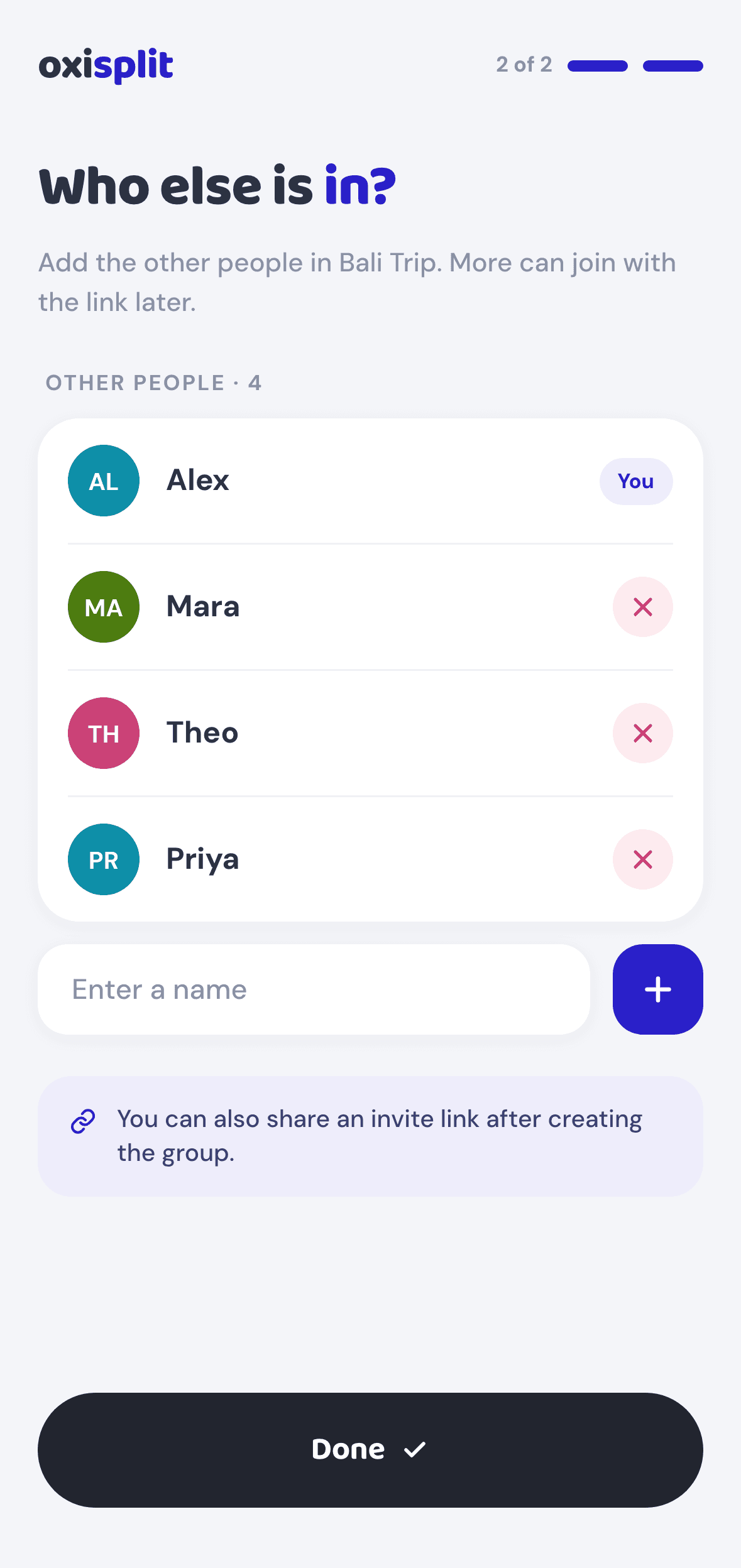
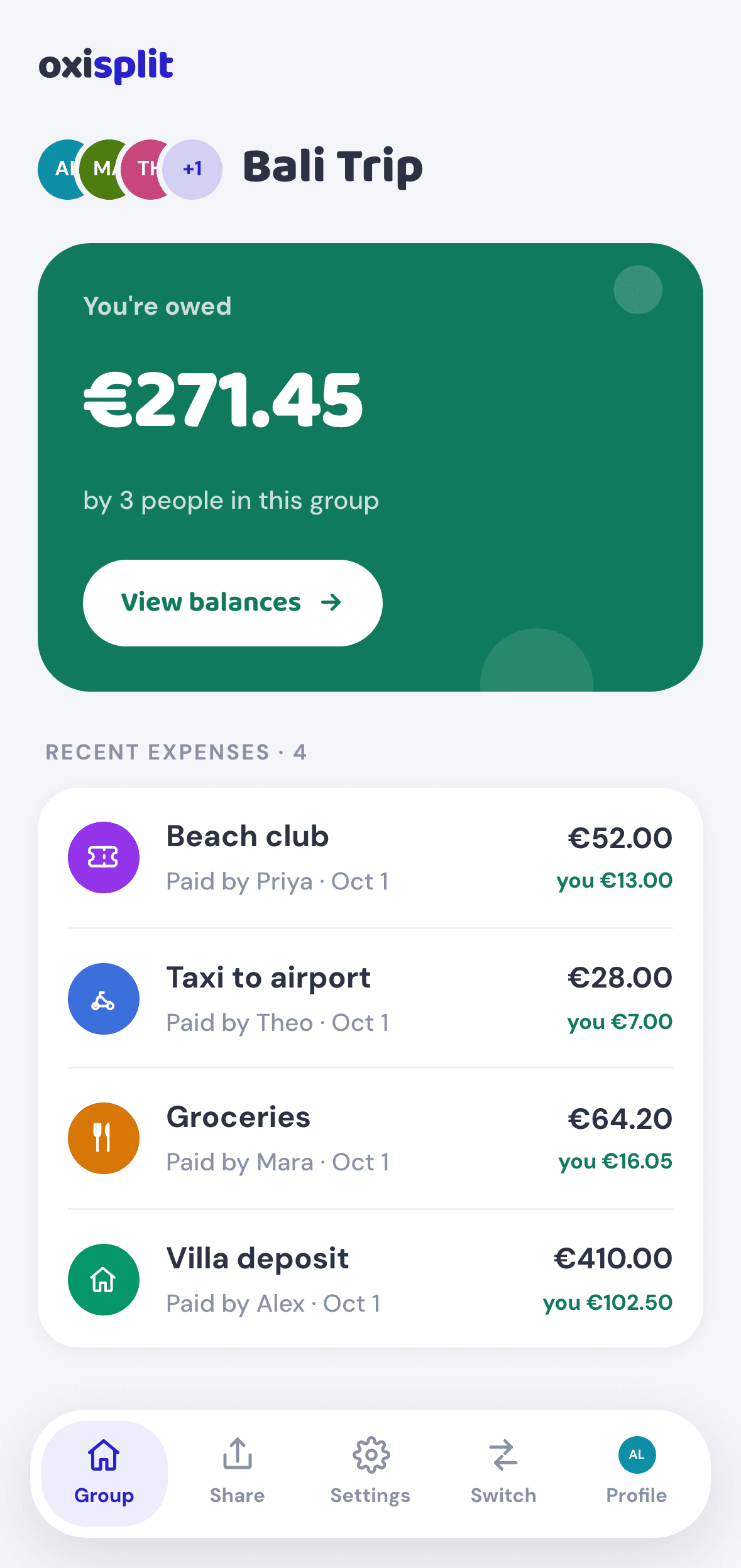
Create a group, share one link, and track who owes who — no accounts, no app to install.
Free for groups up to 3 people · $3.99 one-time to unlock more
Everything you need, nothing you don't
Wherever people share the bill
Three steps, no downloads
Free to start. Pay once if you grow.
No subscriptions, no ads. You only pay when a group needs more than 3 people.
- Up to 3 people per group
- Unlimited expenses
- Balances & smart settling
- Invite by link or QR code
- No ads
- Unlimited members
- Unlimited expenses
- Balances & smart settling
- Invite by link or QR code
- No ads
Any member can unlock a group, right inside the app — you're only asked when you add a person beyond 3.
Good to know
Do I need an account?
No. Create a group, add the people in it, and share the link. Nobody signs up or installs anything.
How do the others join?
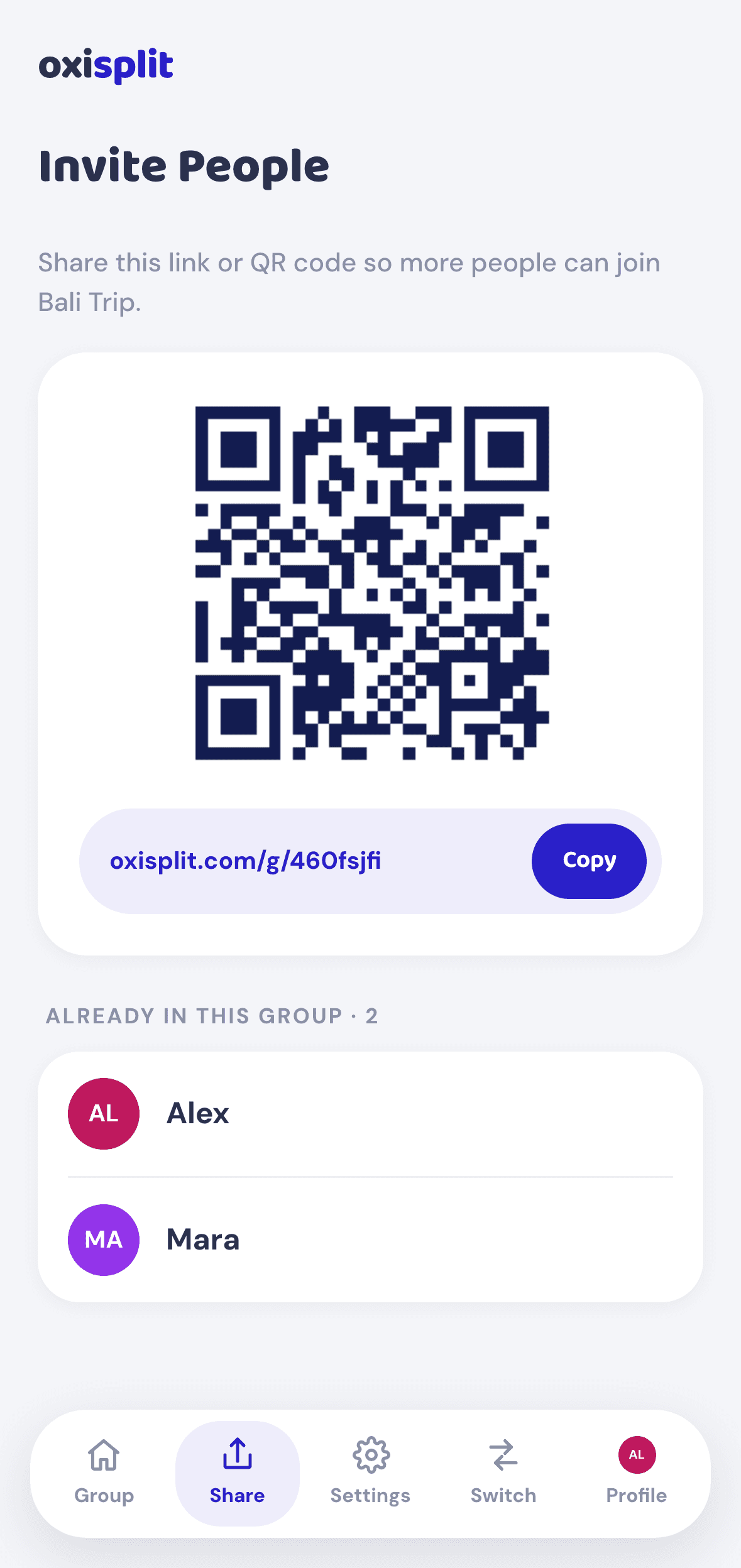
Send them the group link or show them the QR code. They pick their name from the list, or add themselves if they're new. On a new phone, just open the link and pick your name again.
Who can see my group?
Only people who have the link — groups aren't listed or searchable. That also means anyone with the link can see and edit the group, so share it only with the people in it.
Is it really free?
Yes, for groups of up to 3 people, with unlimited expenses and full balances. To add more people, unlock the group once for $3.99 — no subscription.
Does Oxisplit handle the money?
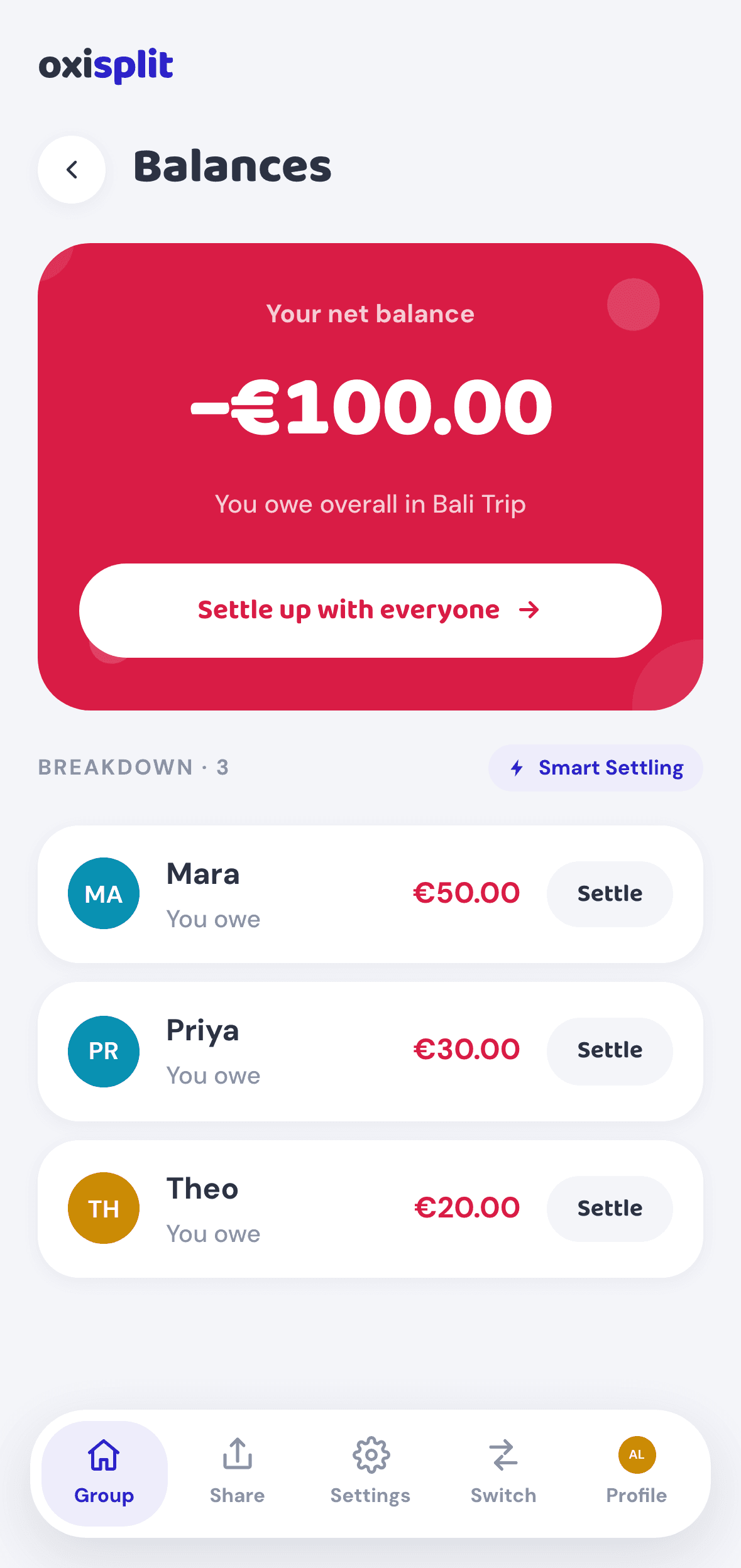
No. Oxisplit keeps score and shows who should pay whom; you pay each other however you like — bank transfer, a payment link or cash. Members can save an IBAN or payment link so it's ready to copy at settle-up.
What is smart settling?
Instead of everyone paying everyone, it works out the fewest payments that settle the whole group. It's on by default, and the group creator can switch it off in Settings.
Which currencies are supported?
Pick a currency when you create a group: US dollars by default, euros, or any of 50+ others. You can change it later in the group settings, but amounts are only relabelled, not converted. Each group uses a single currency.
What if I make a mistake?
Open any expense to edit or delete it. Balances are recalculated automatically.